Learning Blender from Youtube is FREE. But,
Without proper guidance, you'll waste 100+ hours procastinating:
↳ Watching irrelevant content
↳ Following outdated tutorials
↳ Learning wrong techniques
↳ Starting over repeatedly
↳ Losing motivation
Here's what actually works:
1. Create a learning roadmap first
2. Find a reliable source of YouTube channels
3. Follow their playlists step by step.
4. Practice every single day
6. Document your progress
7. Create real projects
I learned these things throughout my journey.
Following the right step by step tutorials you can-
↳ Master Blender in 6 months
↳ Get paid for your skills
↳ Created a portfolio that speaks.
The secret isn't free vs paid.
It's structured vs unstructured learning.
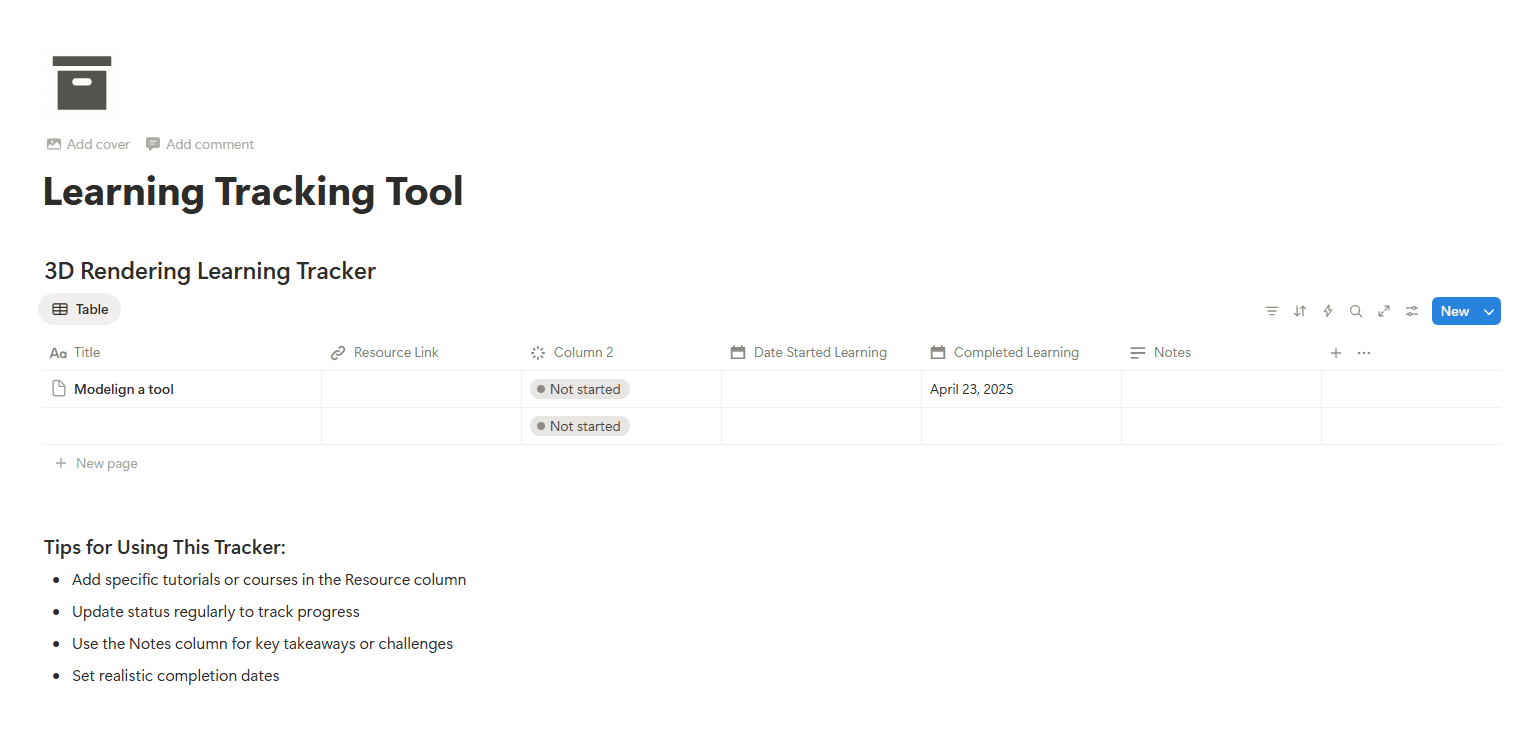
I created this curated step by step documentary, To help you learn Blender seamlessly following just youtube tutorials.
What you will find Inside?
Learning Blender from Youtube is FREE. But,
Without proper guidance, you'll waste 100+
hours procastinating:
↳ Watching irrelevant content
↳ Following outdated tutorials
↳ Learning wrong techniques
↳ Starting over repeatedly
↳ Losing motivation
Here's what actually works:
1. Create a learning roadmap first
2. Find a reliable source of YouTube channels
3. Follow their playlists step by step.
4. Practice every single day
6. Document your progress
7. Create real projects
I learned these things throughout my journey.
Following the right step by step tutorials
you can-
↳ Master Blender in 6 months
↳ Get paid for your skills
↳ Created a portfolio that speaks.
The secret isn't free vs paid.
It's structured vs unstructured learning.
I created this curated step by step documentary,
To help you learn Blender seamlessly following
just youtube tutorials.
What you will find Inside?
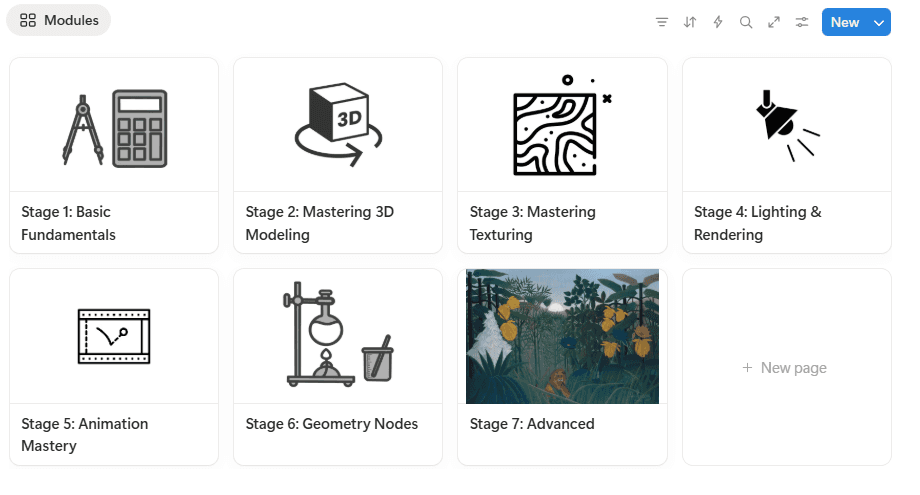
Stage 1: Basic Fundamentals:
Master Blender’s interface, shortcuts, and essential workflows.
Create your first simple animation to spark your motivation.
Stage 2: Mastering 3D Modeling:
Go deep into modeling from real references and images.
Learn time-saving techniques using powerful add-ons (like BoxCutter & HardOps).
Stage 3: Mastering Texturing:
UV unwrapping made simple.
PBR texturing using free tools like Materialize.
Stage 4: Lighting & Rendering:
Turn basic models into portfolio-ready shots.
Explore HDRI lighting, three-point setups, and more.
Stage 5: Animation Mastery:
Keyframe essential object movements.
(Optional) Character rigging & walk cycles. You will create amazing animation that you can use in your portfolio.
Stage 6: Geometry Nodes:
Dive into Blender’s procedural side.
Create complex patterns, Animations & landscapes with minimal effort.
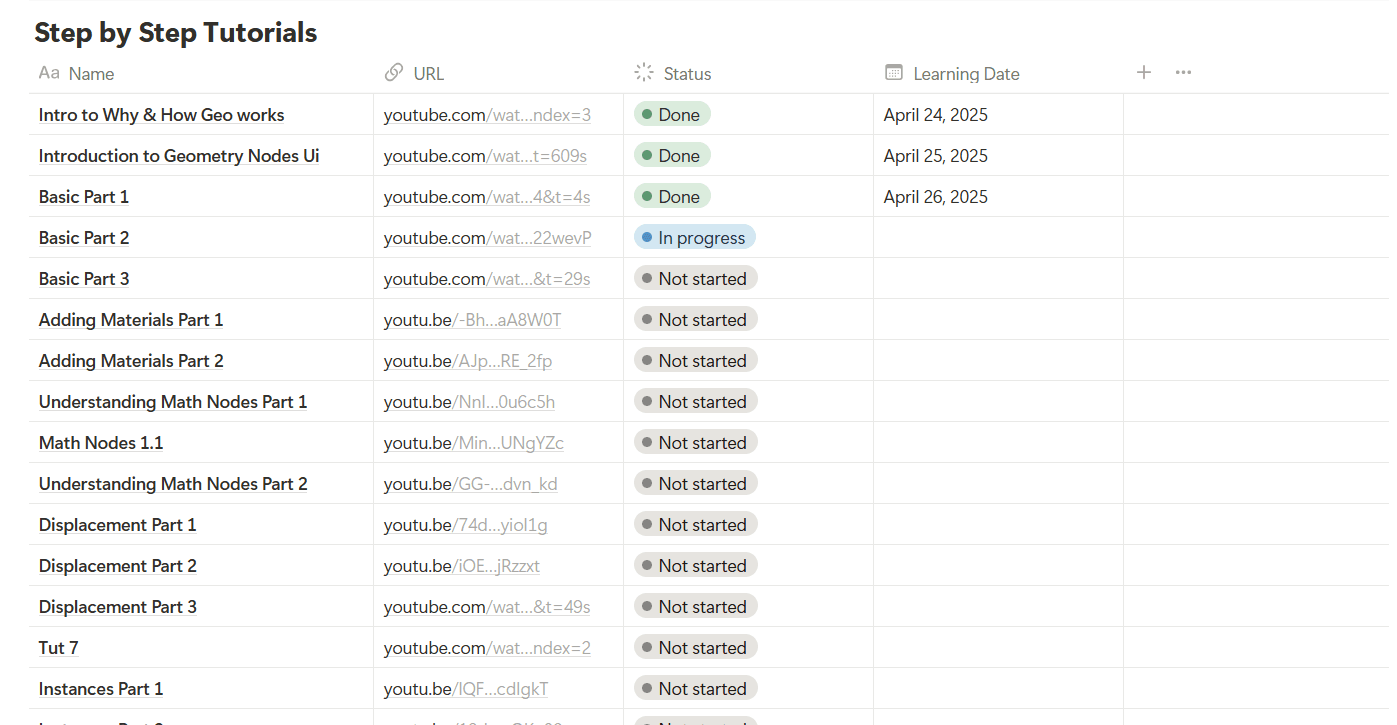
In this Bundle the Geometry Nodes Launchpad is Included.
🔹 Intro to Why & How Geo Works:
🎨 Materials & Math:
🌊 Displacement & Gizmos:
🧱 Instancing:
🌀 Curves:
🧠 Core Concepts:
🧬 Simulation & FX:
🎮 Physics & Interactions:
Stage 1: Basic Fundamentals:
Master Blender’s interface, shortcuts, and
essential workflows.
Create your first simple animation to
spark your motivation.
Stage 2: Mastering 3D Modeling:
Go deep into modeling from real references and
images. Learn time-saving techniques using
powerful add-ons (like BoxCutter & HardOps).
Stage 3: Mastering Texturing:
UV unwrapping made simple.
PBR texturing using free tools like Materialize.
Stage 4: Lighting & Rendering:
Turn basic models into portfolio-ready shots.
Explore HDRI lighting, three-point setups,
and more.
Stage 5: Animation Mastery:
Keyframe essential object movements.
(Optional) Character rigging & walk cycles.
You will create amazing animation that y
ou can use in your portfolio.
Stage 6: Geometry Nodes:
Dive into Blender’s procedural side.
Create complex patterns, Animations & landscapes
with minimal effort.
In this Bundle the Geometry Nodes Launchpad is Included.
🔹 Intro to Why & How Geo Works:
🎨 Materials & Math:
🌊 Displacement & Gizmos:
🧱 Instancing:
🌀 Curves:
🧠 Core Concepts:
🧬 Simulation & FX:
🎮 Physics & Interactions:
Bonus Sections:
1. Niche & Portfolio Building: Land freelance gigs or studio jobs.
2. LinkedIn Branding: Position yourself as a 3D pro to attract clients.
3. Open-Source Libraries: Speed up projects with CC0 assets & textures 1000+.
Bonus Sections:
1. Niche & Portfolio Building: Land freelance gigs or studio jobs.
2. LinkedIn Branding: Position yourself as a 3D pro to attract clients.
3. Open-Source Libraries: Speed up projects with CC0 assets & textures 1000+.

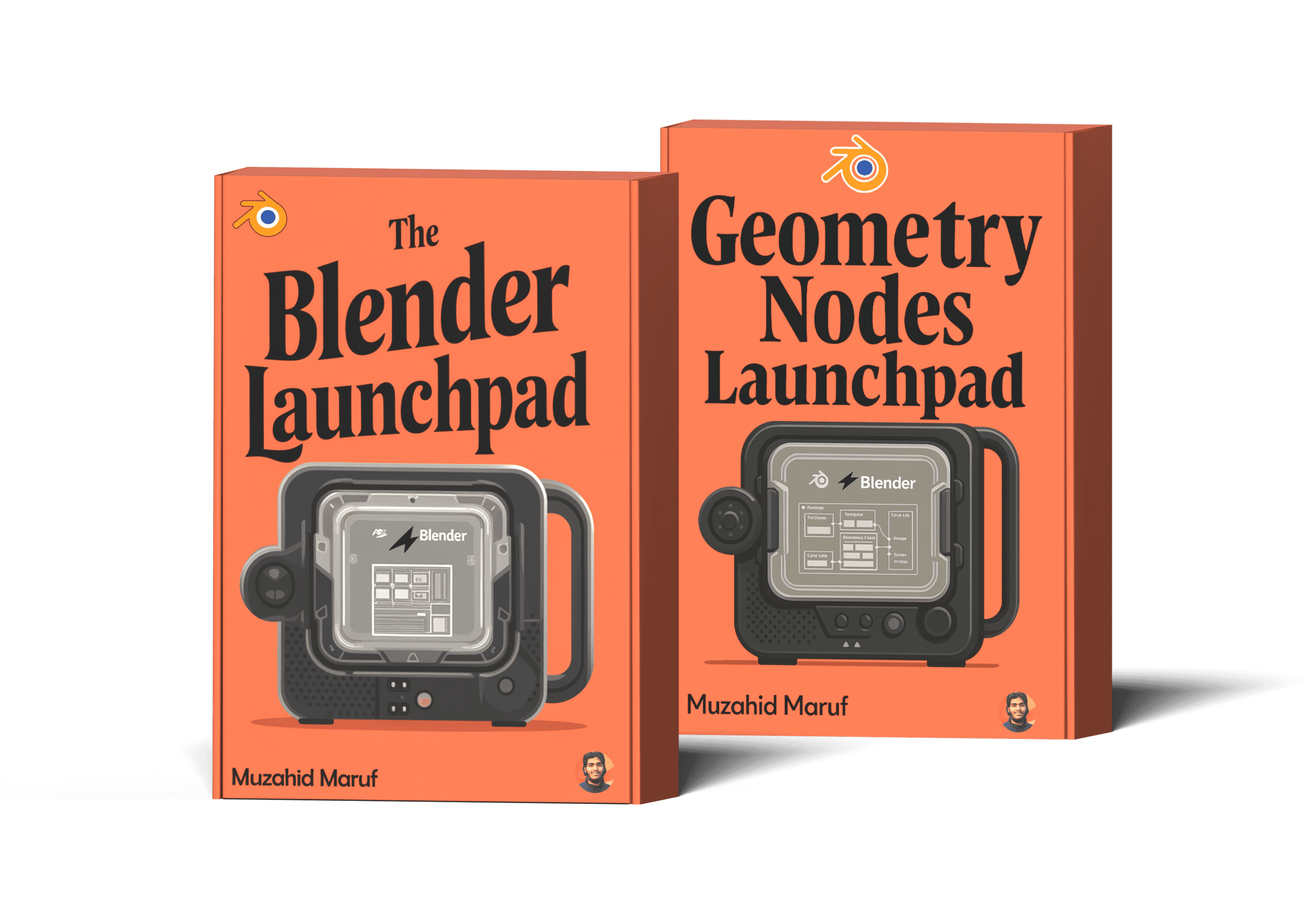
Build Your 3D Rendering Career With the "Step by Step Roadmap" to Master Blender.
The exact framework to help you learn Blender & earn money with 3D design skill.
Build Your 3D Rendering Career With the "Step by Step Roadmap" to Master Blender.
The exact framework to help you learn Blender & earn money with 3D design skill.
Apr 14, 2025
As a total beginner, this playbook made it feel so approachable to learn Blender. Maruf's curated list of youtube tutorials made it so easy for me to learn Blender.

Mark

Aug 016, 2025
Incredible value for the price. The quality of the content and the production is top-notch.
David Wane.
Jun 03, 2025
Huge win! Hope you will update the playbook in every release.
Billy Jhowell
Mar 30, 2025
Congratulations and it's a cool and very helpful playbook!

Sebastian Heitmann
Jun 02, 2025
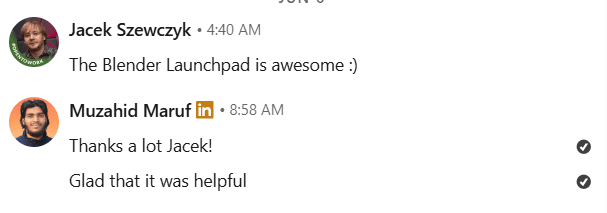
The Blender Launchpad is the perfect starting point for anyone feeling lost in Blender tryign to find right tutorial in Youtube😍

Sebastin
Apr 14, 2025
As a total beginner, this playbook made it feel so approachable to learn Blender. Maruf's curated list of youtube tutorials made it so easy for me to learn Blender.
Mark
Aug 016, 2025
Incredible value for the price. The quality of the content and the production is top-notch.
David Wane.
Jun 03, 2025
Huge win! Hope you will update the playbook in every release.
Billy Jhowell
Mar 30, 2025
Congratulations and it's a cool and very helpful playbook!
Sebastian Heitmann
Jun 02, 2025
The Blender Launchpad is the perfect starting point for anyone feeling lost in Blender tryign to find right tutorial in Youtube😍
Sebastin
Jun 03, 2025
Huge win! Hope you will update the playbook in every release.
Billy Jhowell
Mar 30, 2025
Congratulations and it's a cool and very helpful playbook!
Sebastian Heitmann
Jun 02, 2025
The Blender Launchpad is the perfect starting point for anyone feeling lost in Blender tryign to find right tutorial in Youtube😍
Sebastin
May 05, 2025
Love the way its set in Notion. Thanks Maruf.

Yahya
June 25, 2025
A fantastic resource! The Playbook layout is logical, and the exercises are practical. I feel like I finally understand how Blender works instead of just memorizing commands.
Emily T.
March 22, 2025
Thank You Maruf!

BIK Deains
Apr 14, 2025
As a total beginner, this playbook made it feel so approachable to learn Blender. Maruf's curated list of youtube tutorials made it so easy for me to learn Blender.
Mark