

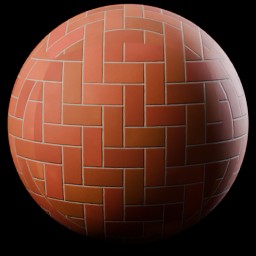
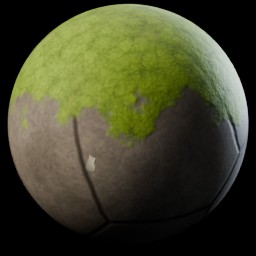
Outcome
higher.
(OH)
Finished
Studio lighting in both engines
Believable surfaces,
depth from real bump and
roughness, not a flat color.
Cycles and EEVEE

1,300 procedural materials, 200 lighting setups and 267 studio lights in one Blender extension. Select an object, press Apply, render.
1,000 core in 32 categories, plus 300 Pro: steels, water, glass and terrain.
19 categories. Each rig measures your selection and builds itself around it.
Dust, grime, edge wear, water stains, scratches and frost, on any material.
31 softboxes, 41 beam profiles, 155 gobos and 40 colored light textures.
Object coordinates by default. All 1,300 materials fit in about 9 MB.
You wire noise, ramp and bump nodes, then tweak values for hours until the wood finally looks like wood.
Vault: pick a material, press Apply
The same patch repeats across big surfaces, goes soft up close, and fills your drive with gigabytes.
Procedural: no repeats, sharp up close
The next project needs a different pack. And none of them light your scene for you.
1,300 materials, 200 rigs and 267 lights, $19 once
Many materials only look right in Cycles, or stretch until you unwrap the model by hand.
Works in Cycles and EEVEE, no UVs
The Vault fixes all four for $19. See what's inside

1,300 procedural materials, 200 lighting setups and 267 studio lights in one Blender 5.2+ extension. Select an object, press Apply, render in Cycles or EEVEE. No node wiring, no UVs, no texture folders.
Dust, Grime, Edge Wear, Water Stains, Scratches and Frost stack on top of whatever is on the object. One Amount slider each, one click to remove, and the material underneath is untouched.
Pick a setup. The rig measures the selected objects, then places lights, flags, world and an optional backdrop at the right distance and size.
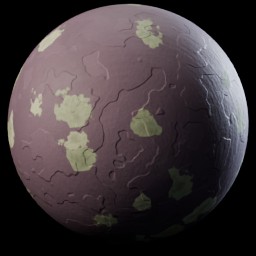
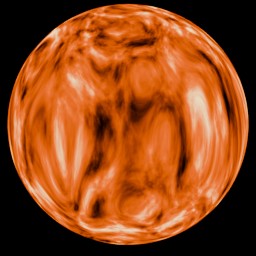
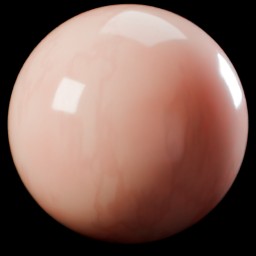
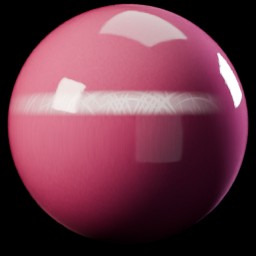
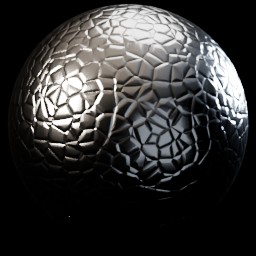
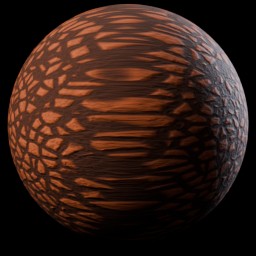
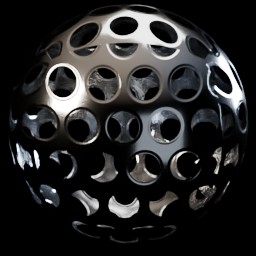
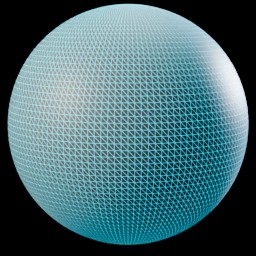
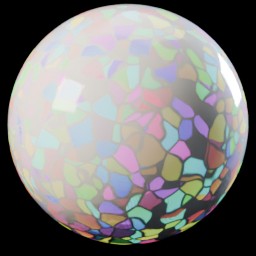
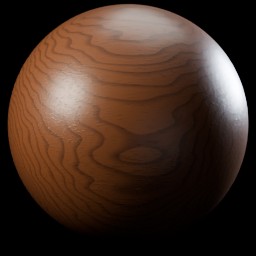
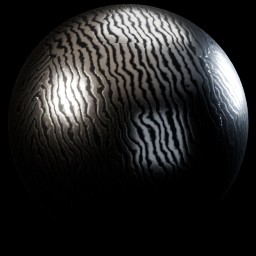
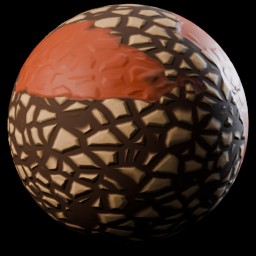
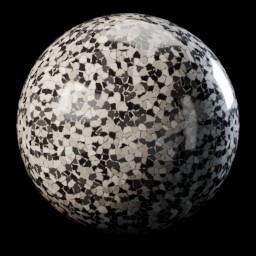
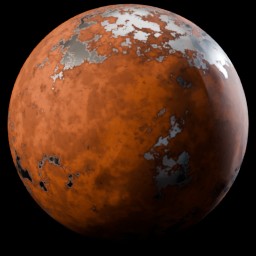
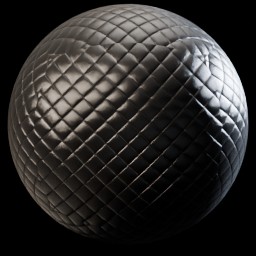
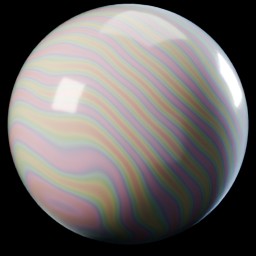
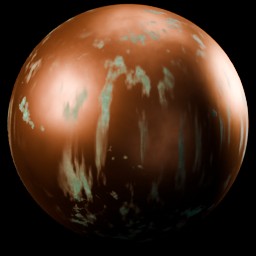
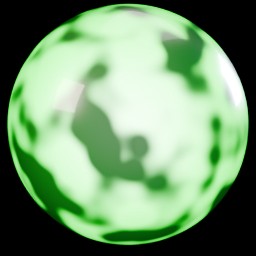
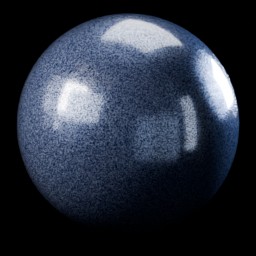
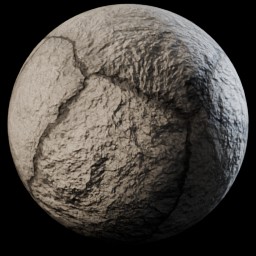
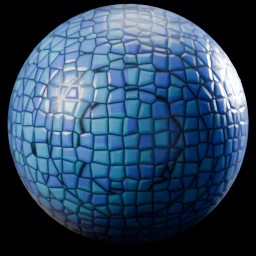
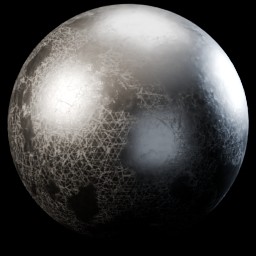
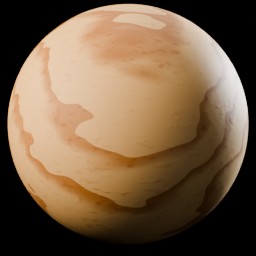
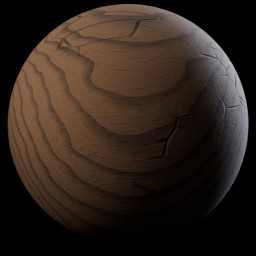
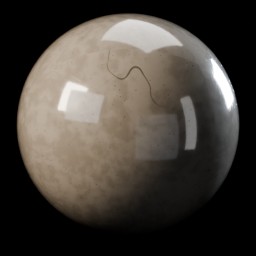
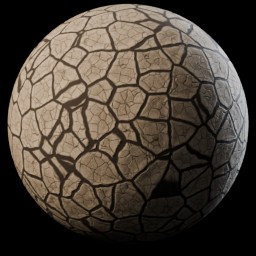
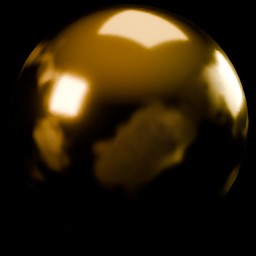
Filter by category or search by name. Older previews show the material on props against a grey studio backdrop, newer ones a sphere on black.
Outcome and certainty go up.
Time and effort go down.
Believable surfaces,
depth from real bump and
roughness, not a flat color.
Rigs measure your objects
and place lights, flags
and world around them.
Named sliders for scale,
color, roughness, wear and
seed if you want to push.
Scans and kitbashed
meshes just work. Flip
Use UV for your own unwrap.
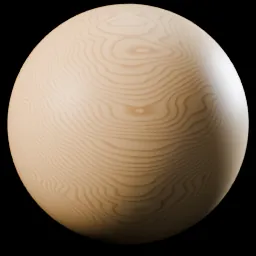 Wood
Wood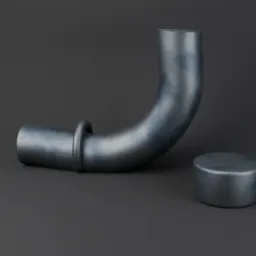 Metals, clean
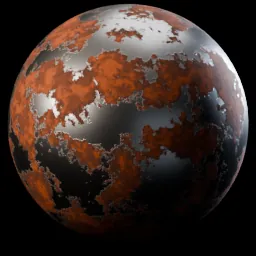 Metals, worn
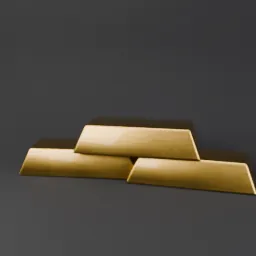 Brushed and anodized
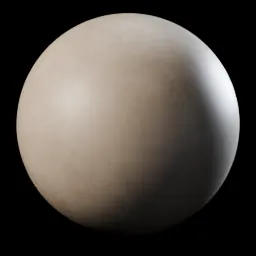 Concrete
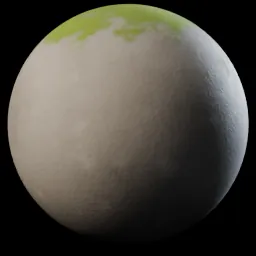 Stone
Stone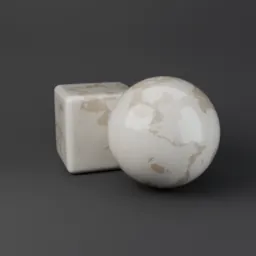 Marble and granite
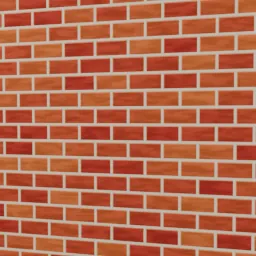 Bricks
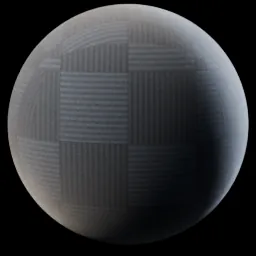 Tiles
Tiles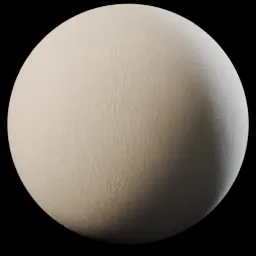 Fabric
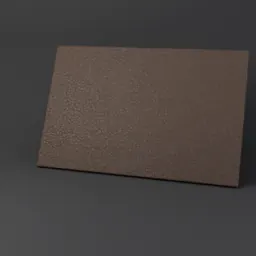 Leather
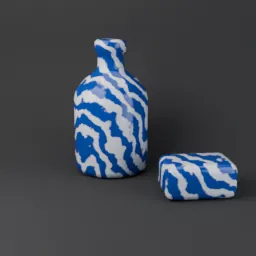 Plastics
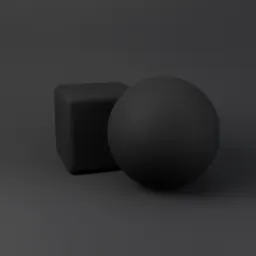 Rubber
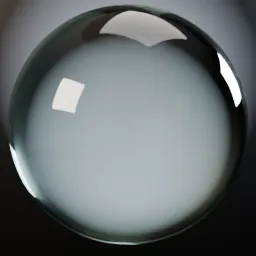 Glass
Glass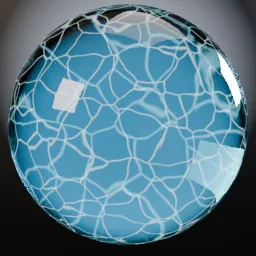 Liquids
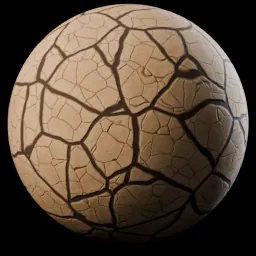 Ground
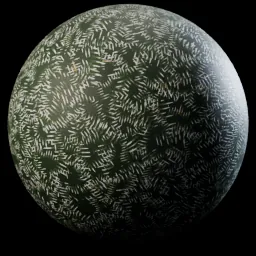 Nature
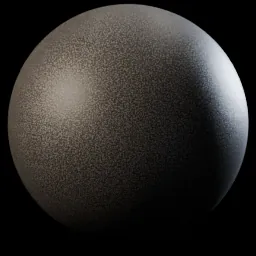 Asphalt
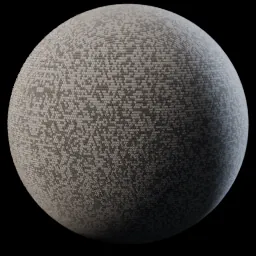 Car paint and coatings
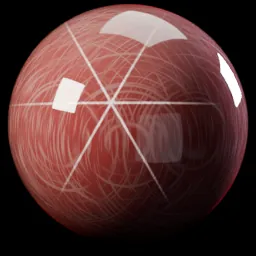 Gems
Gems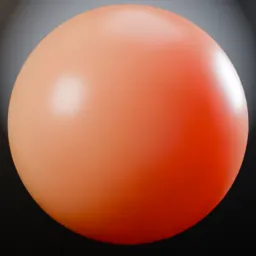 Organic
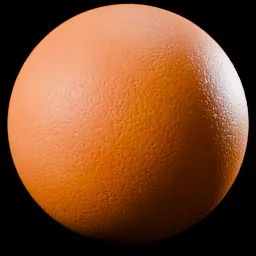 Food
Food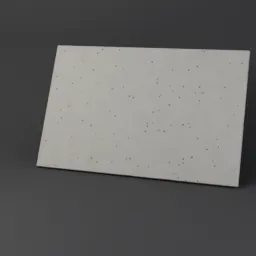 Paper
Paper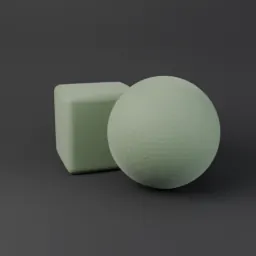 Product finishes
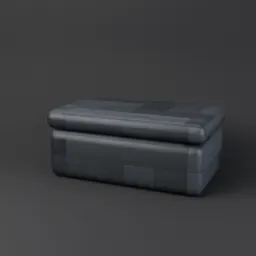 Science fiction panels
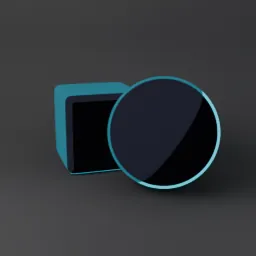 Stylized and toon
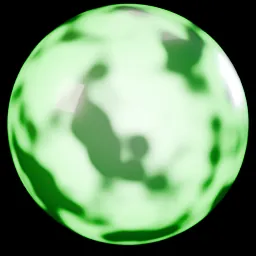 Emissive and neon
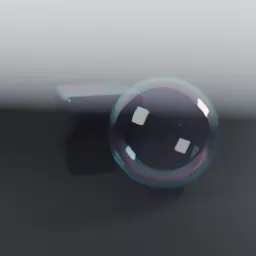 Iridescent
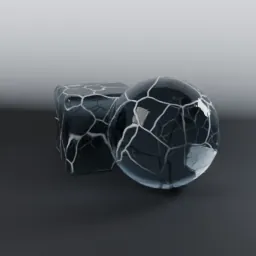 Ice and snow
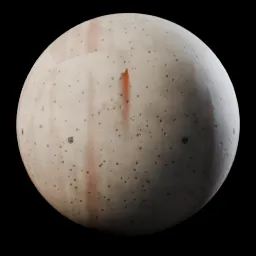 Weathering
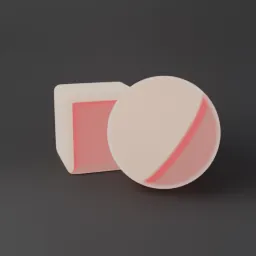 Fantasy
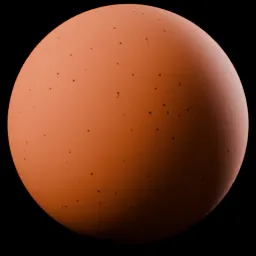 Utility
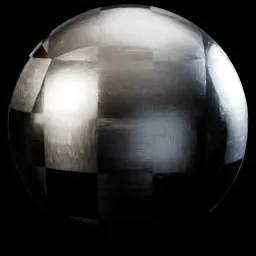 Pro: 160 steels
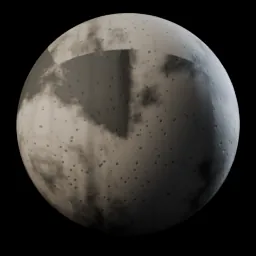 Pro: 50 water
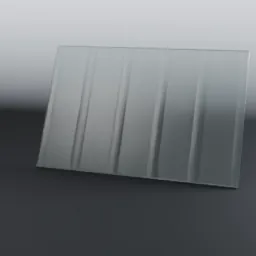 Pro: 50 glass
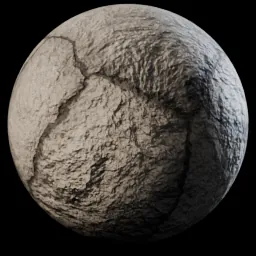 Pro: 40 terrain
Every surface is built from shader nodes. Nothing repeats, nothing goes soft when the camera gets close.
Project files stay small and nothing goes missing when a scene moves to another machine.
Scale and Seed on every material, plus colors, roughness and wear where they matter. Hover a slider and it tells you what it does.
Object coordinates by default, so scans and kitbashed meshes just work. Flip Use UV when you want your own unwrap.
Brightness, Warmth, Fill Ratio, Rotation and Rig Size. Turn the whole rig around the subject with one value.
Removing a rig restores your own world and never touches lights you placed yourself.
The rigs are tuned for Cycles. The materials themselves render in both Cycles and EEVEE.
Example renders: free CC0 Poly Haven models lit in Cycles to match each category.
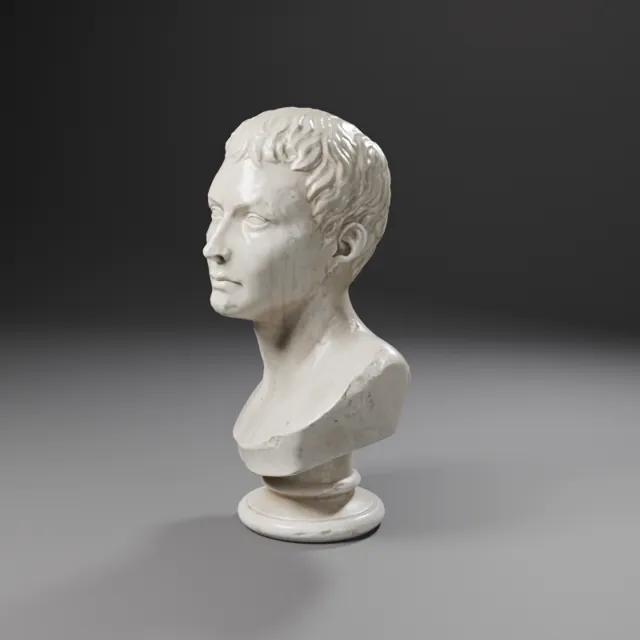 01PortraitClassic patterns such as Rembrandt
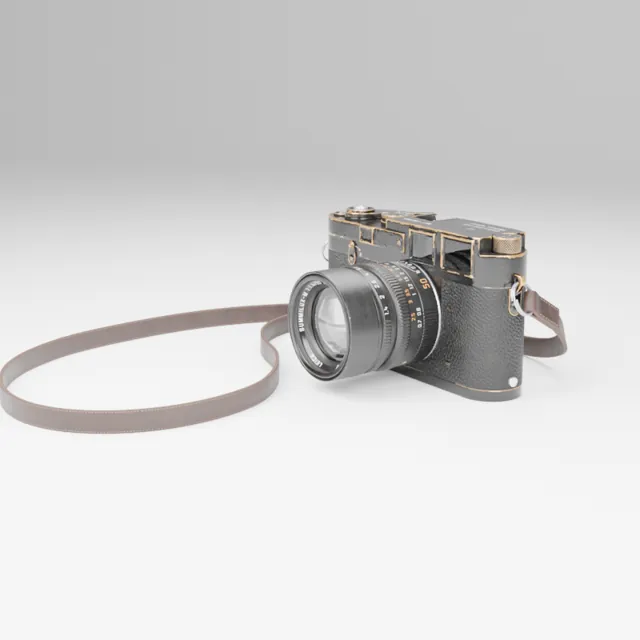 02Product, whiteClean catalog looks
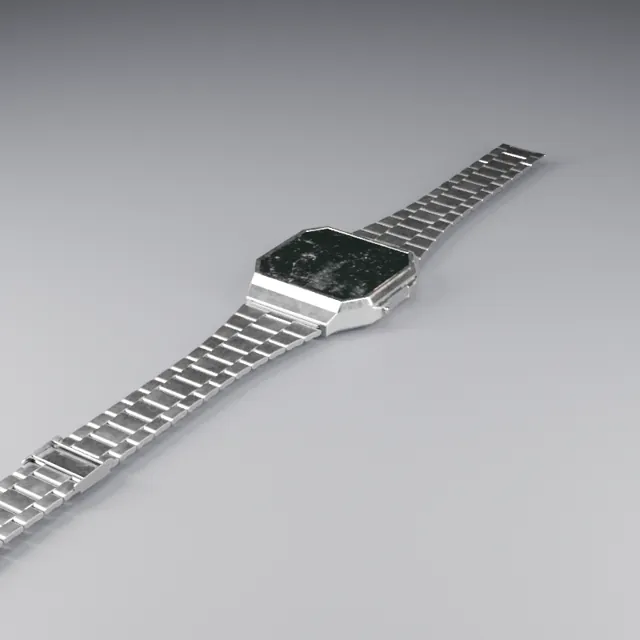 03Product, darkLow key with controlled highlights
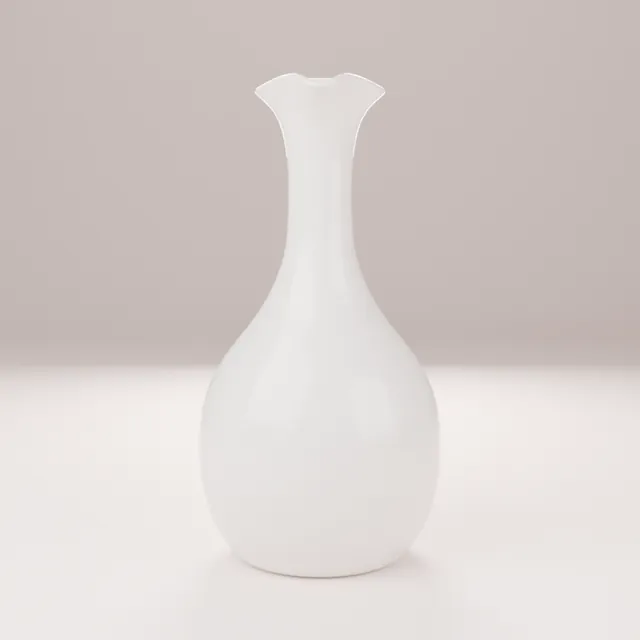 04CosmeticsSoft falloff on glossy packaging
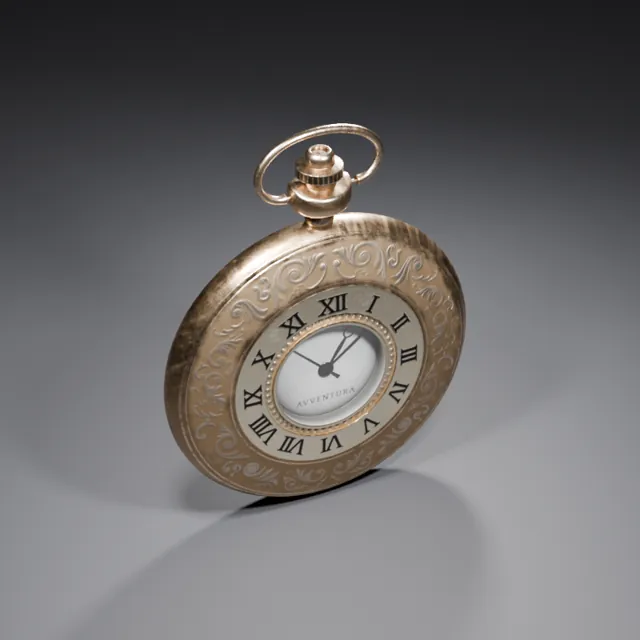 05JewelrySparkle and crisp reflections
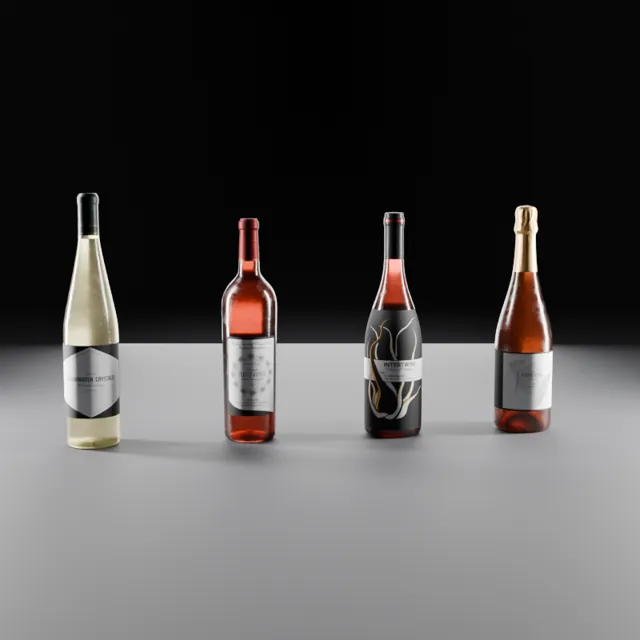 06GlassEdge definition for transparent objects
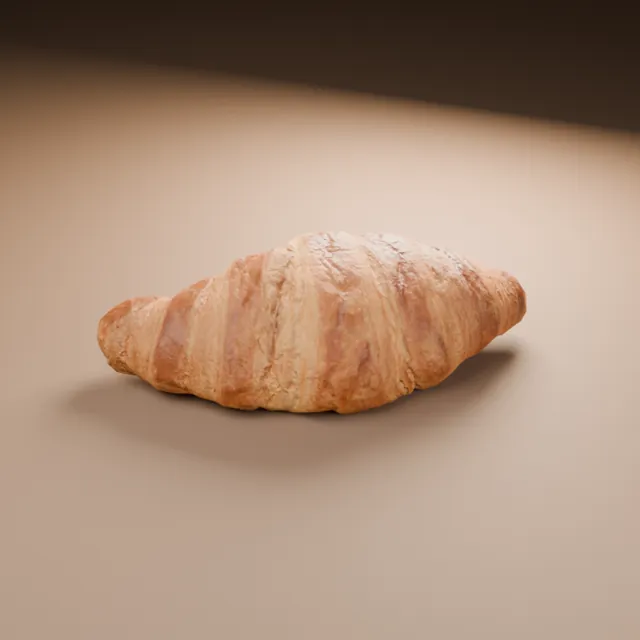 07FoodAppetizing warmth and backlight
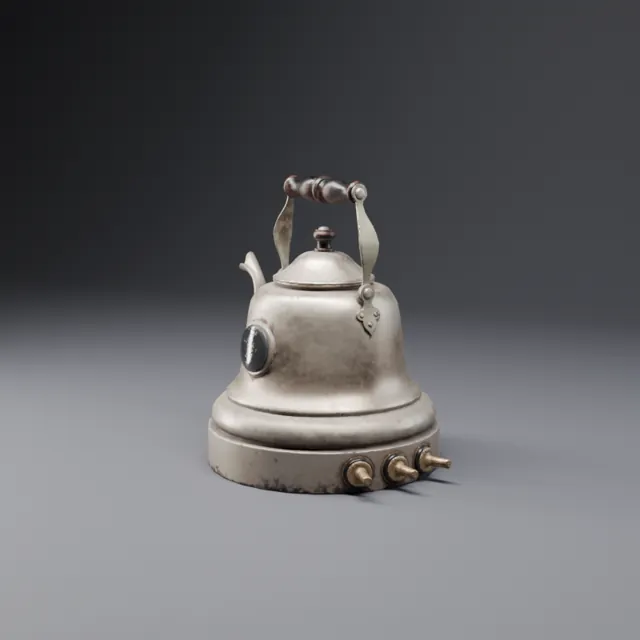 08AutomotiveLong reflections for paint and chrome
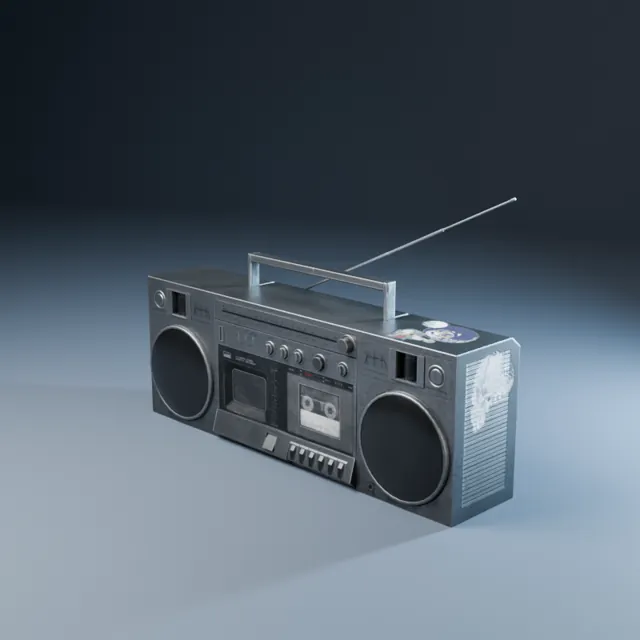 09TechCool, precise device lighting
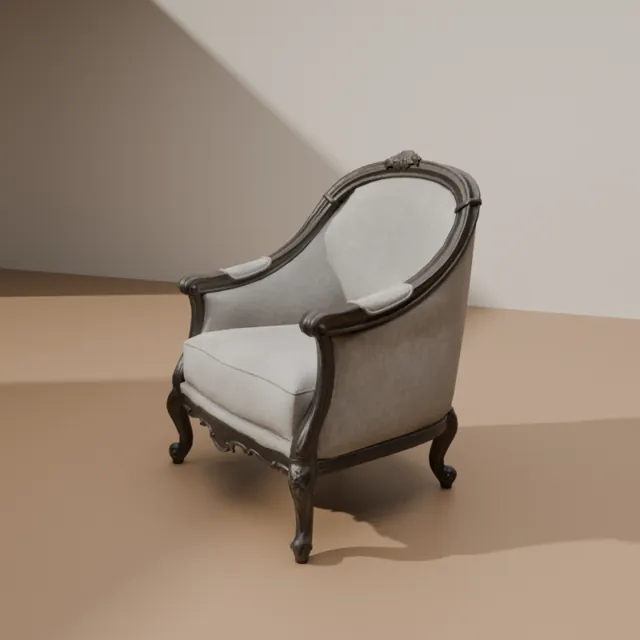 10InteriorRoom scale ambient setups
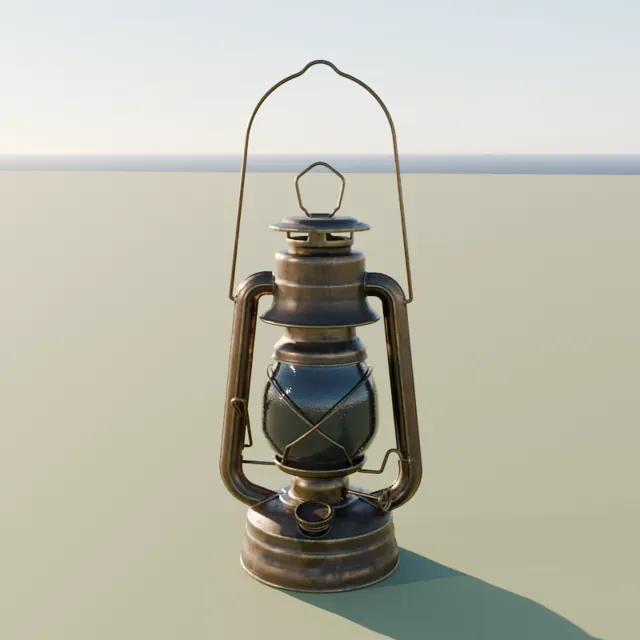 11OutdoorSun and sky moods
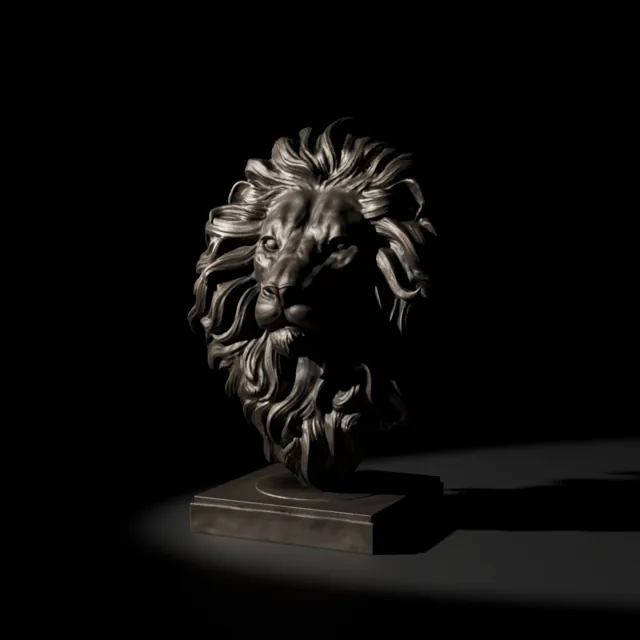 12NoirHard shadows, single sources
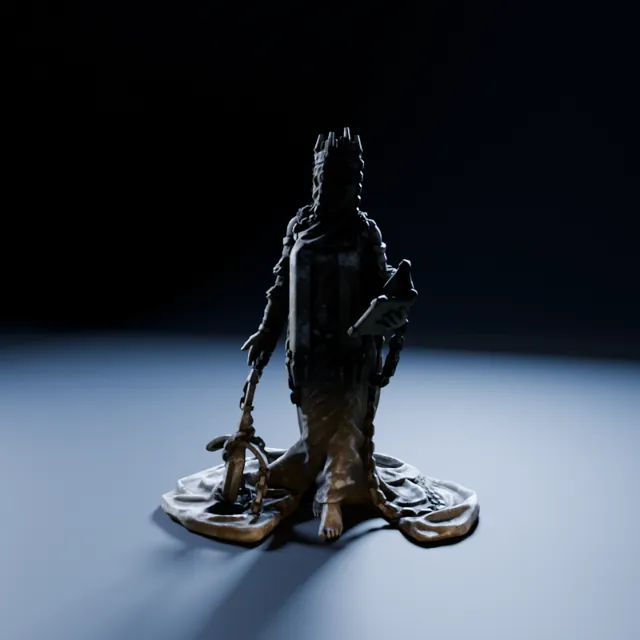 13HorrorLight from below and cold rims
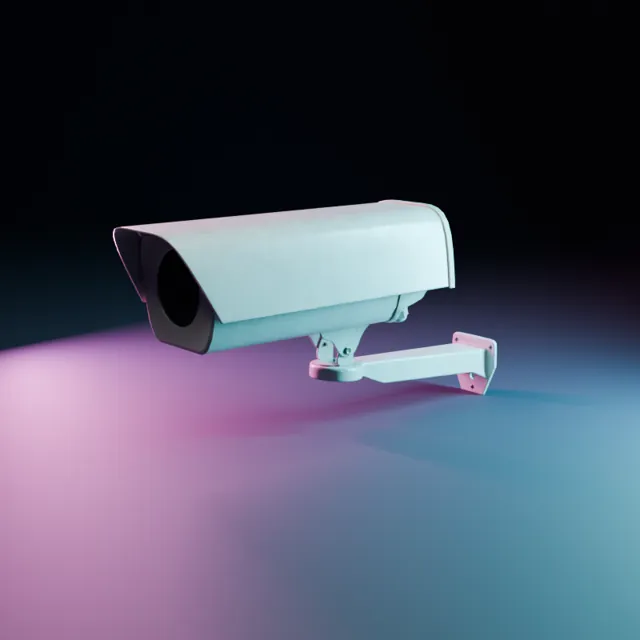 14Science fictionColored rims and panel glow
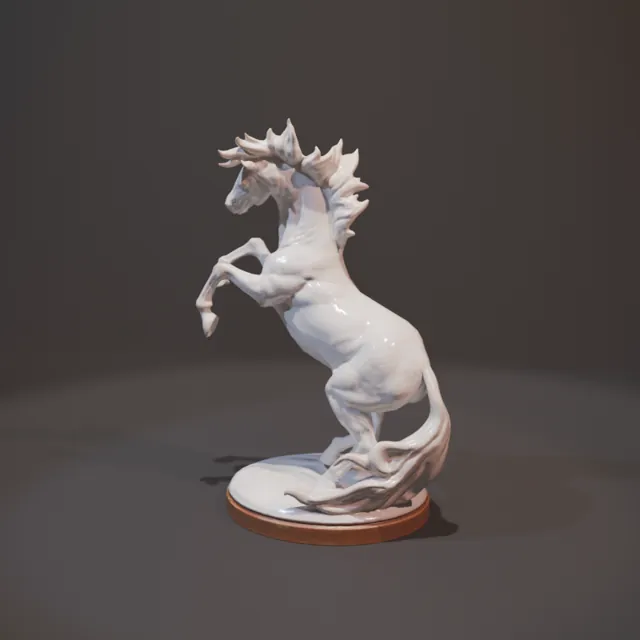 15StageSpots and beams ready for haze
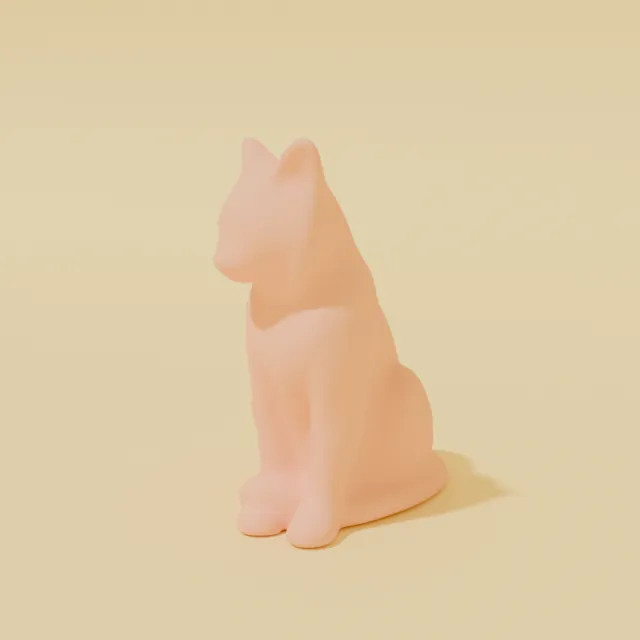 16StylizedFlat, bold, like an illustration
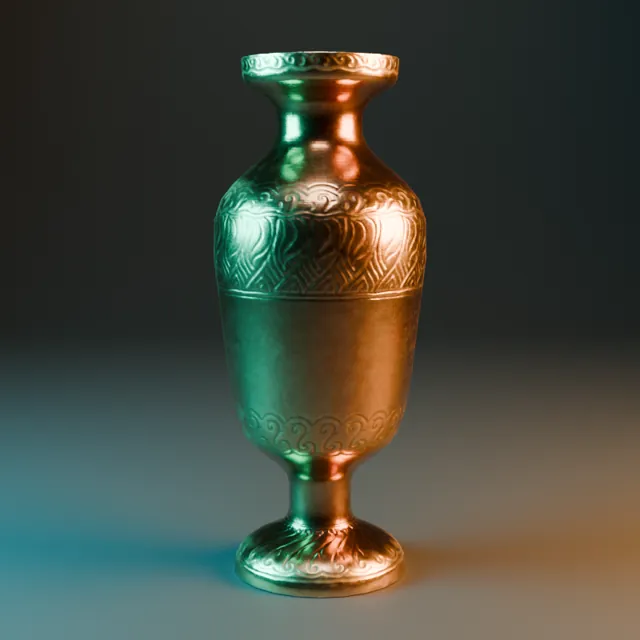 17Color contrastTwo tone complementary rigs
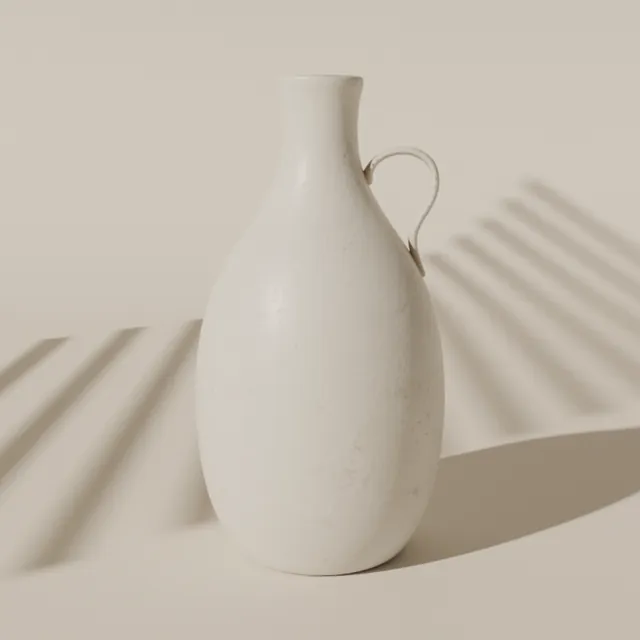 18Gobo looksWindow, blinds and foliage shadows
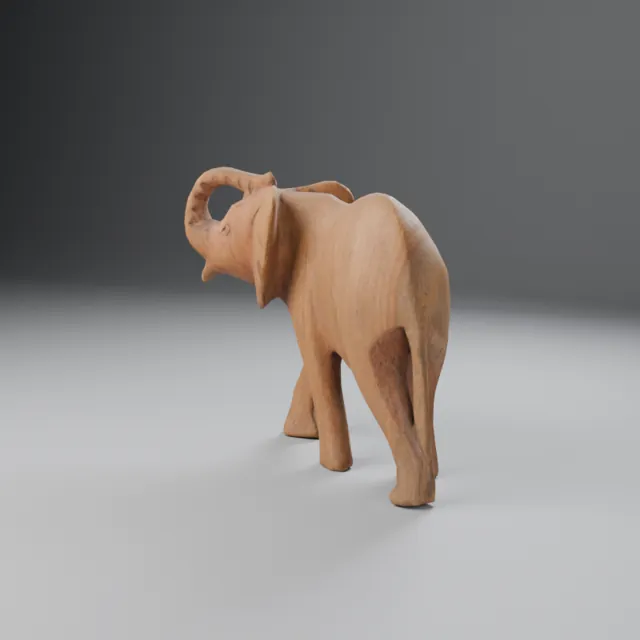 19CharacterFull body and turntable rigs
Bonus · Light library. Plus a Light Customization panel: temperature, power, softness, beam, gobo scale and rotation, orbit around the target, and flicker.
It is a Blender 5.2+ extension. In Preferences, open Get Extensions and install from disk. A Vault tab appears in the N panel of the 3D viewport.
Browse by category or search by name in the thumbnail grid. Or open Blender's Asset Browser and drag straight onto an object.
Materials land on the selected objects. Lighting rigs build around them. Adjust the named sliders if you want to push the look.
Six parts. Each works on its own. Together they cover surfaces, wear and light.
32 categories, from wood and metal to glass, food and neon. Cycles and EEVEE, no UVs.
160 steels, 50 water, 50 glass and 40 terrain materials, built for close ups.
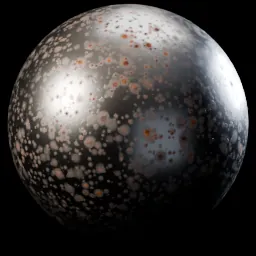
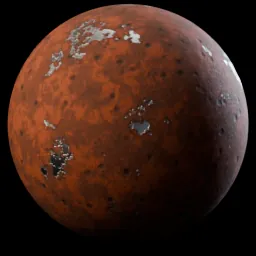
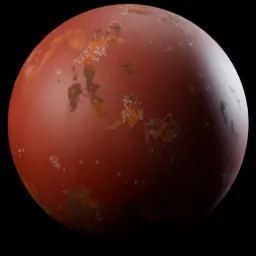
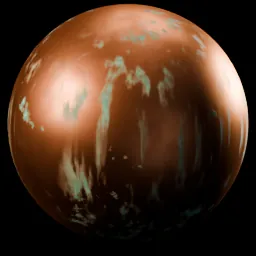
Dust, grime, edge wear, water stains, scratches and frost. On any material, yours too.
19 categories that build themselves around your object. 5 master sliders. Cycles.
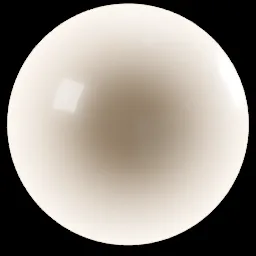
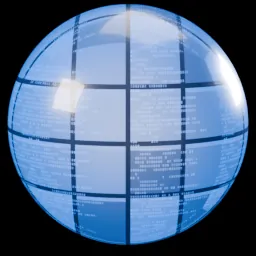
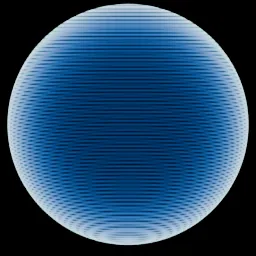
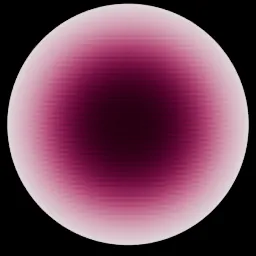
31 softboxes, 41 beam profiles, 155 gobos and 40 colored light textures.
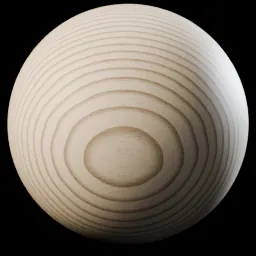
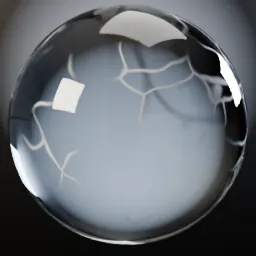
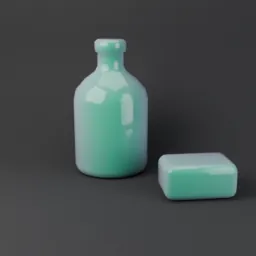
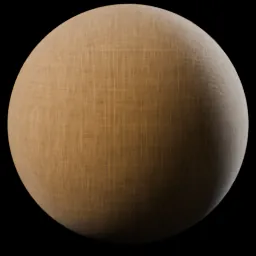
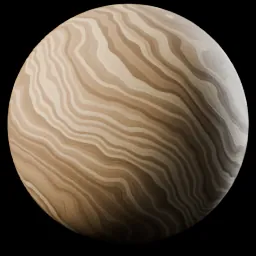
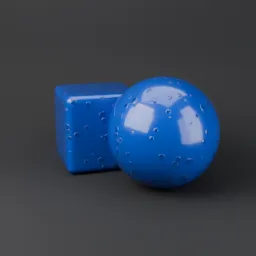
Browse, search and apply from a thumbnail grid in the N panel, or drag from the Asset Browser.
Instant download, about 100 MB. Blender 5.2+. Personal and commercial license.
One time payment. Personal and commercial license.
Yes. All 1,300 materials, including the 300 Pro materials, are built from standard shader nodes and render in both engines. The 200 lighting setups are built for Cycles.
Blender 5.2 or newer. The Vault installs as an extension from disk in Preferences, Get Extensions. It does not support 4.x.
Yes. Every material uses object coordinates by default, so it works on scans, kitbashed meshes and anything else. Each node group has a Use UV toggle if you prefer your own unwrap.
Yes. The license covers personal and commercial use in renders, animation, games and client work. You may not resell or redistribute the materials, node groups or lighting assets themselves.
About 100 MB for the full extension. Almost all of that is the lighting library's gobo and light textures. The 1,300 materials themselves take about 9 MB, because they use no image textures.
Procedural materials cost shader time instead of memory. Most of the library renders fine on ordinary hardware. The heaviest surfaces are the ones with many layered details, and every node group has a Scale slider you can adjust.
Lighting setups are complete rigs that build around your selection. The light library is the parts: 31 softbox and modifier presets, 41 beam profiles, 155 gobo patterns and 40 colored light textures, with a panel to adjust temperature, power, softness, beam, gobo and flicker on any light.
Yes. Every material is a clean node group with named sliders and tooltips, and Scale and Seed on every one. You can also open the group and change anything inside.
Yes. Dust, Grime, Edge Wear, Water Stains, Scratches and Frost stack on top of whatever is on the object, including materials you built yourself. Removing a layer leaves the material underneath untouched.
One time payment · Instant download